
NurViewer · PDF & conversion
PDF to PowerPoint
Reference material arrives as a PDF, but the next task is a presentation. Starting every slide from an empty canvas repeats the extraction and organisation work before you can explain the idea.
THE PRACTICAL VALUE
Why this step deserves its own workflow
Export supported PDF pages to PowerPoint as a starting point for further work. Select useful pages, inspect the delivered result and continue retained conversion parts when needed. It helps move existing material into a presentation workflow while leaving the editorial decisions and final layout with you.
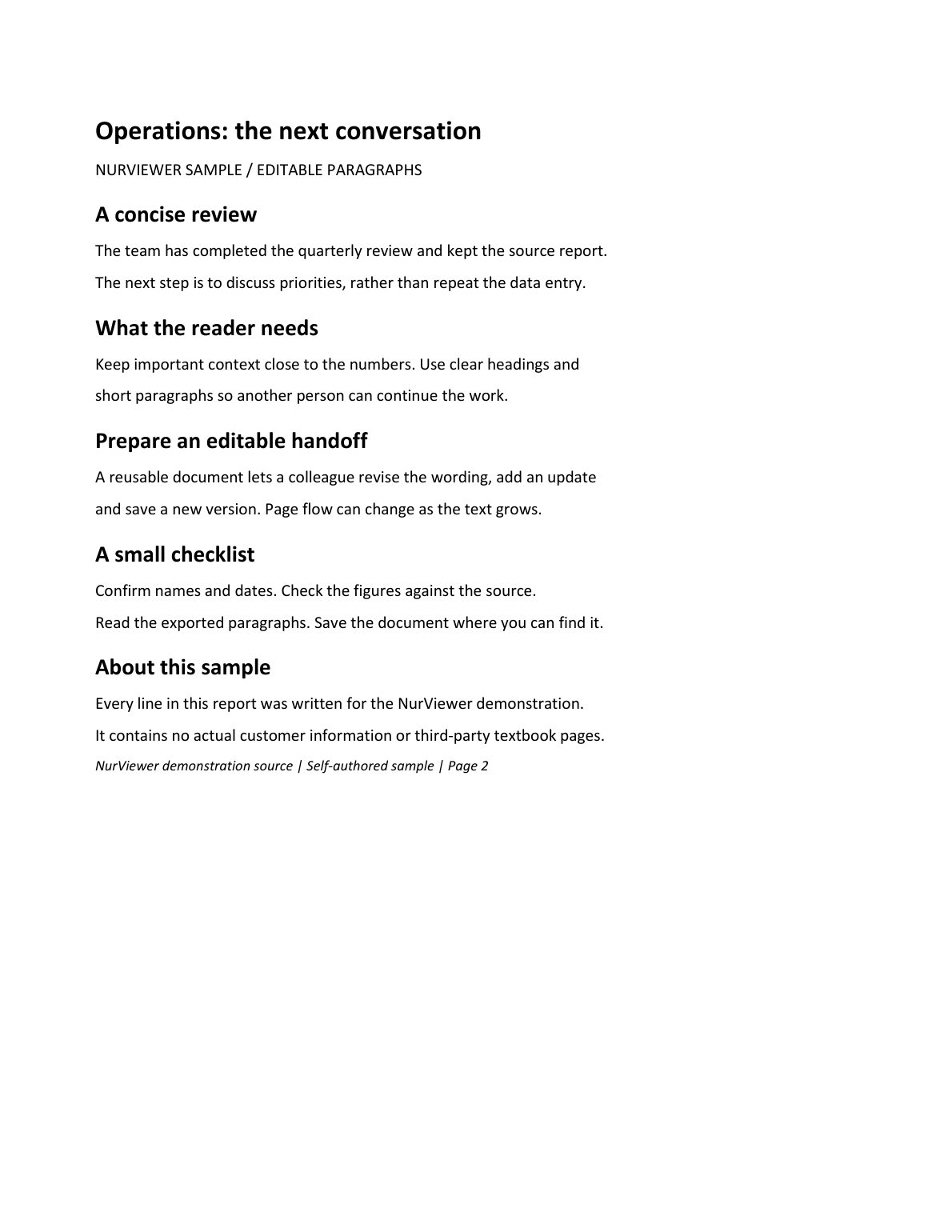
A PRACTICAL SEQUENCE
Start with the material you actually need.
Check representative material before deciding how much more to process.
- Select the PDF pages relevant to the presentation.
- Export using the supported PowerPoint route.
- Open the result and review text, images and slide composition.
EDITION & SCOPE
Know the scope before you commit.
This does not recreate original slide masters, animations or source logic. OCR and complex page objects can affect editing. PPT shares the PDF-to-Word conversion allowance.
Free has no trial expiry: common-format reading, ordinary PDF annotations and supported ordinary document/image-to-PDF export remain available. Recognition, specialist formats and advanced tools have their own allowances or tier requirements.
Compare Free, Standard and Pro →Images may retain historical layouts. Demonstration books, dictionaries and media are not bundled.
A USEFUL QUESTION
Is PPT export a separate daily conversion pool?
No. Both Word modes and PowerPoint use the shared editable PDF conversion allowance.
CONTINUE THE WORKFLOW
A useful next step.
Keep reading, understanding and organising around the same material.
PDF & conversion
Editable PDF to Word
You need to rewrite a report, not just place a picture of it inside Word. A fixed page is a poor starting point when paragraphs, headings and tables need to move with your changes.
Explore the workflow →PDF & conversion
Precise-layout PDF to Word
A reflowed Word file can be easy to rewrite but look very different from the original report. Sometimes the task is to change supported wording while keeping the familiar page appearance.
Explore the workflow →PDF & conversion
PDF highlights & review
Feedback scattered across email messages is hard to reconnect with a page. A reader needs to see what matters and leave a clear explanation where the issue actually appears.
Explore the workflow →