
NurViewer · PDF & conversion
Editable PDF to Word
You need to rewrite a report, not just place a picture of it inside Word. A fixed page is a poor starting point when paragraphs, headings and tables need to move with your changes.
THE PRACTICAL VALUE
Why this step deserves its own workflow
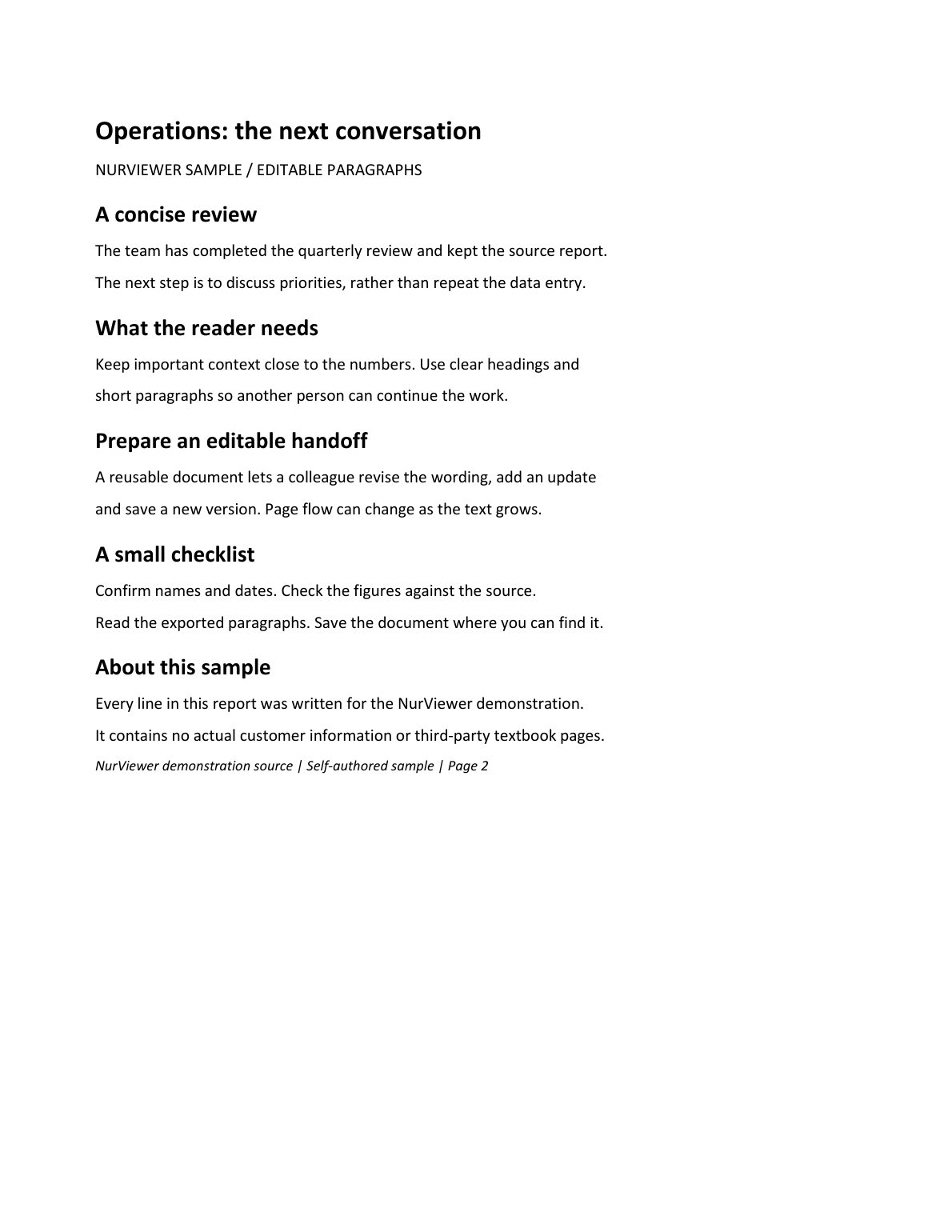
Editable flow reconstructs supported paragraphs, headings, tables and pictures into DOCX, using OCR for scans where supported. Select the useful pages and continue retained parts instead of rebuilding the whole job each time. The result is a draft for writing and revision, with pagination allowed to change as content reflows.
A PRACTICAL SEQUENCE
Start with the material you actually need.
Check representative material before deciding how much more to process.
- Choose editable-flow Word and select a useful page range.
- Review reconstructed text, tables and pictures.
- Continue editing in Word or another compatible editor.
EDITION & SCOPE
Know the scope before you commit.
Reflow changes pagination; OCR, fonts and complex objects can affect output. Free shares 2 source pages/day with PPT, with watermark; Standard 300 and Pro 1,500.
Free has no trial expiry: common-format reading, ordinary PDF annotations and supported ordinary document/image-to-PDF export remain available. Recognition, specialist formats and advanced tools have their own allowances or tier requirements.
Compare Free, Standard and Pro →Images may retain historical layouts. Demonstration books, dictionaries and media are not bundled.
A USEFUL QUESTION
Which mode should I choose for substantial rewriting?
Editable flow is intended for rewriting and reflow. Choose precise layout when preserving page appearance is the priority.
CONTINUE THE WORKFLOW
A useful next step.
Keep reading, understanding and organising around the same material.
PDF & conversion
Precise-layout PDF to Word
A reflowed Word file can be easy to rewrite but look very different from the original report. Sometimes the task is to change supported wording while keeping the familiar page appearance.
Explore the workflow →Table recognition
Tables to editable Excel
A screenshot of a table is easy to send and hard to calculate with. Copying text often loses columns and empty cells, leaving you to rebuild the relationships before you can do any useful analysis.
Explore the workflow →PDF & conversion
PDF to PowerPoint
Reference material arrives as a PDF, but the next task is a presentation. Starting every slide from an empty canvas repeats the extraction and organisation work before you can explain the idea.
Explore the workflow →