
NurViewer · Books & reading
PDG scanned books
An older digital book may arrive as hundreds of numbered PDG pages rather than a single PDF. Opening every page in a separate image window makes a long reference book unnecessarily awkward to read.
THE PRACTICAL VALUE
Why this step deserves its own workflow
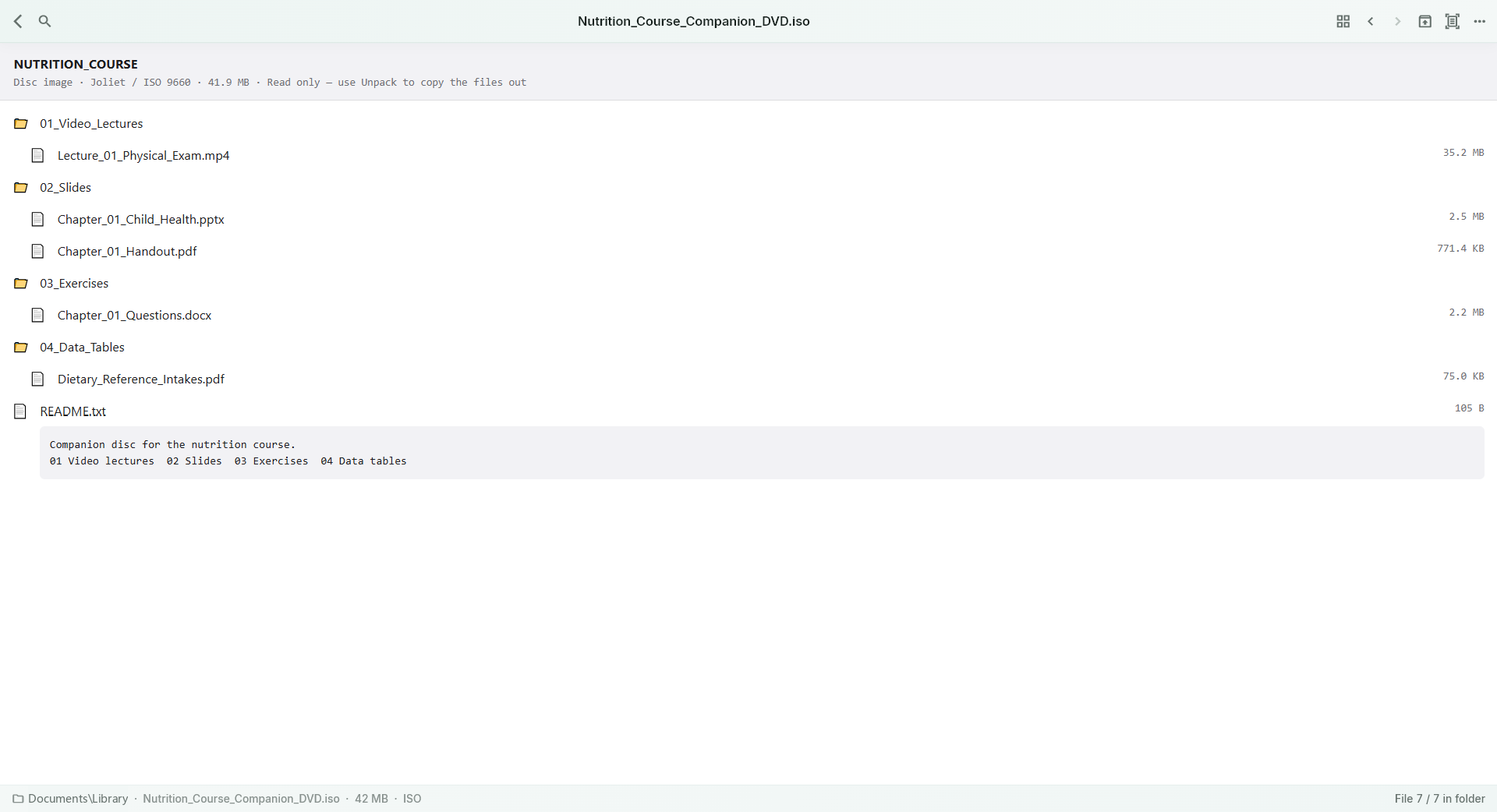
NurViewer reads supported unencrypted image-based PDG pages and can treat a suitable folder of pages as a scanned book. Page navigation, zoom and the scan-book view put the emphasis back on the material. Supported archive contents also provide a way into a book without manually preparing a separate extracted library.
A PRACTICAL SEQUENCE
Start with the material you actually need.
Check representative material before deciding how much more to process.
- Open the PDG page or browse the archive containing the book.
- Navigate the available page sequence and choose a comfortable zoom.
- For text reuse, recognise only the page or region you actually need.
EDITION & SCOPE
Know the scope before you commit.
Support here means unencrypted PDG pages carrying supported image data, including PNG/JPEG examples. HH/DRM-encrypted PDG books are not decoded. Page names and archive organisation affect reading order.
Free has no trial expiry: common-format reading, ordinary PDF annotations and supported ordinary document/image-to-PDF export remain available. Recognition, specialist formats and advanced tools have their own allowances or tier requirements.
Compare Free, Standard and Pro →Images may retain historical layouts. Demonstration books, dictionaries and media are not bundled.
A USEFUL QUESTION
Does PDG support mean every old digital library book will open?
No. Content encryption and PDG variants matter. Check the actual file; an encrypted book is not made readable by changing its extension.
CONTINUE THE WORKFLOW
A useful next step.
Keep reading, understanding and organising around the same material.
Books & reading
Read books inside archives
A useful book is inside a large archive, but you only want to check its contents. Extracting everything creates duplicate folders and makes it harder to keep the original collection organised.
Explore the workflow →Books & reading
CBZ, CBR & scanned-page books
Comics, art books and scanned handouts rely on page order and visual continuity. A folder of pictures is difficult to read if every page opens independently and the view keeps changing size.
Explore the workflow →OCR & phonetic symbols
Images & scanned-page OCR
A photographed handout or scanned page contains words you can see but cannot copy. Retyping the entire page wastes effort when only a paragraph or a few labels are needed.
Explore the workflow →