
NurViewer · Books & reading
Read books inside archives
A useful book is inside a large archive, but you only want to check its contents. Extracting everything creates duplicate folders and makes it harder to keep the original collection organised.
THE PRACTICAL VALUE
Why this step deserves its own workflow
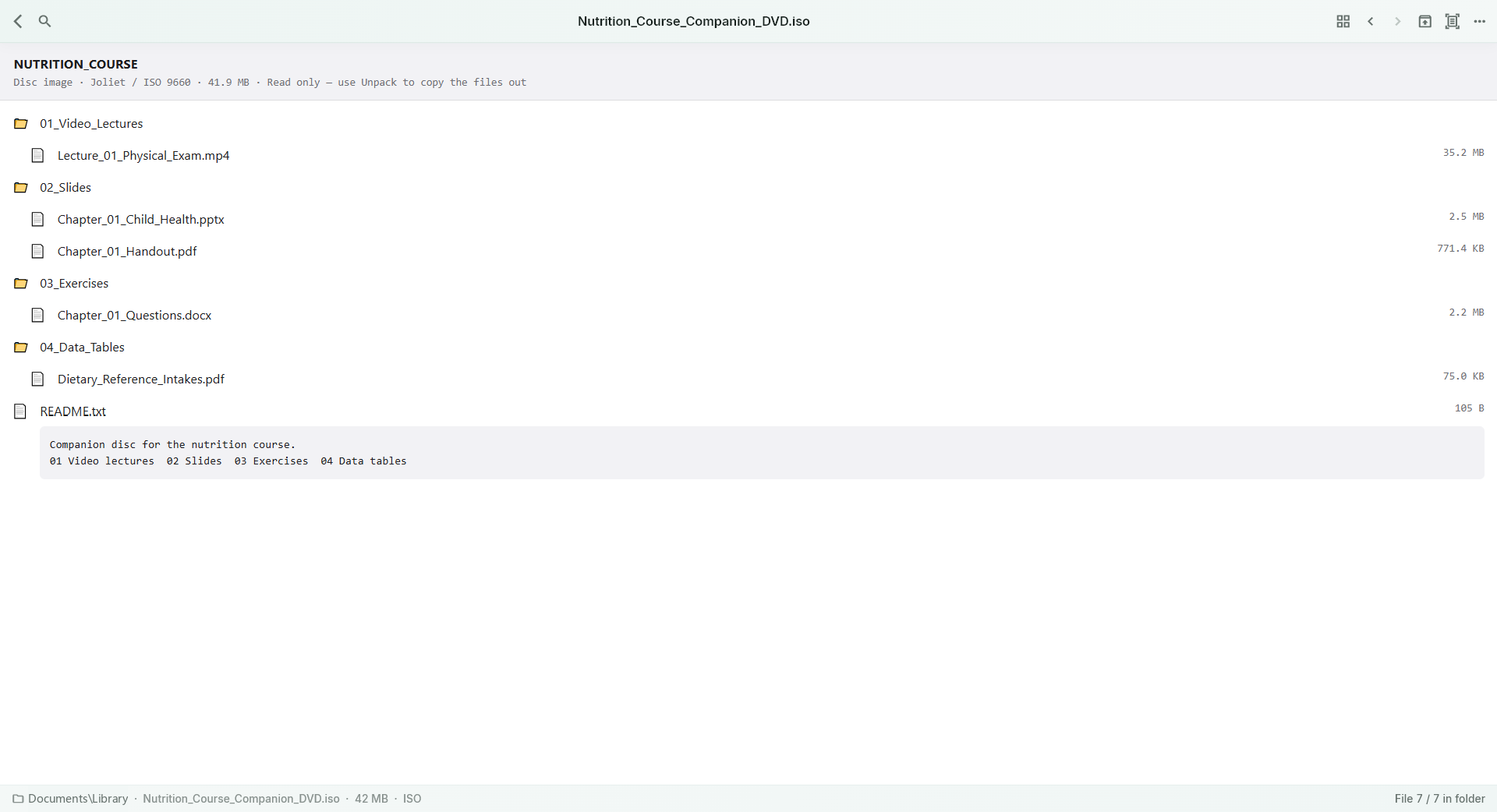
Browse supported archive members and open a supported book or page from the container. This is especially useful for collected scanned pages and mixed reference packs. The archive remains your organising unit while the viewer supplies the appropriate reading route for the selected content.
A PRACTICAL SEQUENCE
Start with the material you actually need.
Check representative material before deciding how much more to process.
- Open a supported archive and inspect its members.
- Choose a supported ebook or scan page to enter the reading view.
- Return to the container to inspect another item.
EDITION & SCOPE
Know the scope before you commit.
Direct opening does not mean zero temporary disk use. Nested archives, passwords, damaged members and resource limits can affect access. It does not bypass a book’s own DRM.
Free has no trial expiry: common-format reading, ordinary PDF annotations and supported ordinary document/image-to-PDF export remain available. Recognition, specialist formats and advanced tools have their own allowances or tier requirements.
Compare Free, Standard and Pro →Images may retain historical layouts. Demonstration books, dictionaries and media are not bundled.
A USEFUL QUESTION
Must I unpack the entire archive first?
Not for supported direct-open workflows. If a member or archive variant is unsupported, extract it using an appropriate tool and inspect the actual file.
CONTINUE THE WORKFLOW
A useful next step.
Keep reading, understanding and organising around the same material.
Books & reading
PDG scanned books
An older digital book may arrive as hundreds of numbered PDG pages rather than a single PDF. Opening every page in a separate image window makes a long reference book unnecessarily awkward to read.
Explore the workflow →Archives & containers
ZIP, RAR & archive browsing
You receive a mixed package of documents and images, but only need one item. Unpacking the entire folder before seeing what is inside creates extra work and duplicate files.
Explore the workflow →Books & reading
CBZ, CBR & scanned-page books
Comics, art books and scanned handouts rely on page order and visual continuity. A folder of pictures is difficult to read if every page opens independently and the view keeps changing size.
Explore the workflow →