
NurViewer · PDF & conversion
Documents & images to PDF
A recipient wants one convenient PDF, but your source is a document or a collection of images. Hunting for a separate converter for an everyday task adds unnecessary friction.
THE PRACTICAL VALUE
Why this step deserves its own workflow
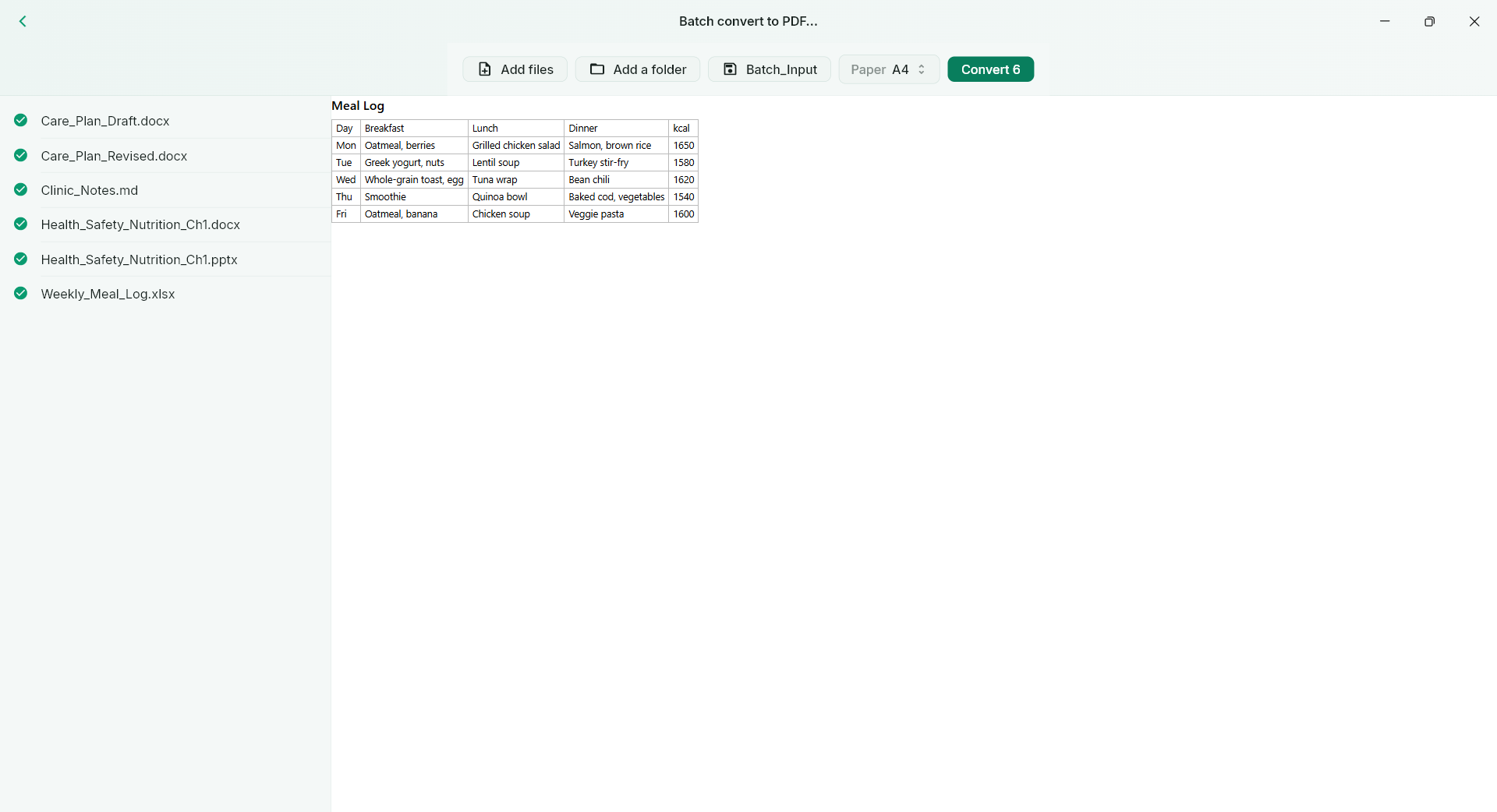
Use supported ordinary document/image-to-PDF conversion to prepare a portable copy. This common workflow is included without a page quota or watermark in Free, so occasional conversion remains useful without starting a trial. Inspect the result before sharing, particularly when the source relies on unusual fonts or layout.
A PRACTICAL SEQUENCE
Start with the material you actually need.
Check representative material before deciding how much more to process.
- Open the supported source document or image.
- Choose the available PDF export workflow.
- Check the saved copy before sending it.
EDITION & SCOPE
Know the scope before you commit.
This free allowance does not include EPUB book export, OCR, table recognition or PDF-to-editable-Office conversion; those have their own limits. Rendering support depends on the source format.
Free has no trial expiry: common-format reading, ordinary PDF annotations and supported ordinary document/image-to-PDF export remain available. Recognition, specialist formats and advanced tools have their own allowances or tier requirements.
Compare Free, Standard and Pro →Images may retain historical layouts. Demonstration books, dictionaries and media are not bundled.
A USEFUL QUESTION
Is “free conversion” a temporary trial?
No. Free has no trial expiry. Supported ordinary document/image-to-PDF export has no page quota or watermark; other workflows retain their stated limits.
CONTINUE THE WORKFLOW
A useful next step.
Keep reading, understanding and organising around the same material.
Books & reading
Complex EPUB to PDF
A reflowable book is comfortable on screen, but page numbers move when the display changes. Printing selected material or sharing a stable reference is harder when an EPUB contains illustrations, tables or vertical text.
Explore the workflow →Batch & document comparison
Batch PDF export
Preparing many files one by one repeats the same setup and interrupts other work. The real problem is the repeated handling, not simply whether an individual file can be converted.
Explore the workflow →PDF & conversion
PDF highlights & review
Feedback scattered across email messages is hard to reconnect with a page. A reader needs to see what matters and leave a clear explanation where the issue actually appears.
Explore the workflow →