A supported export queue
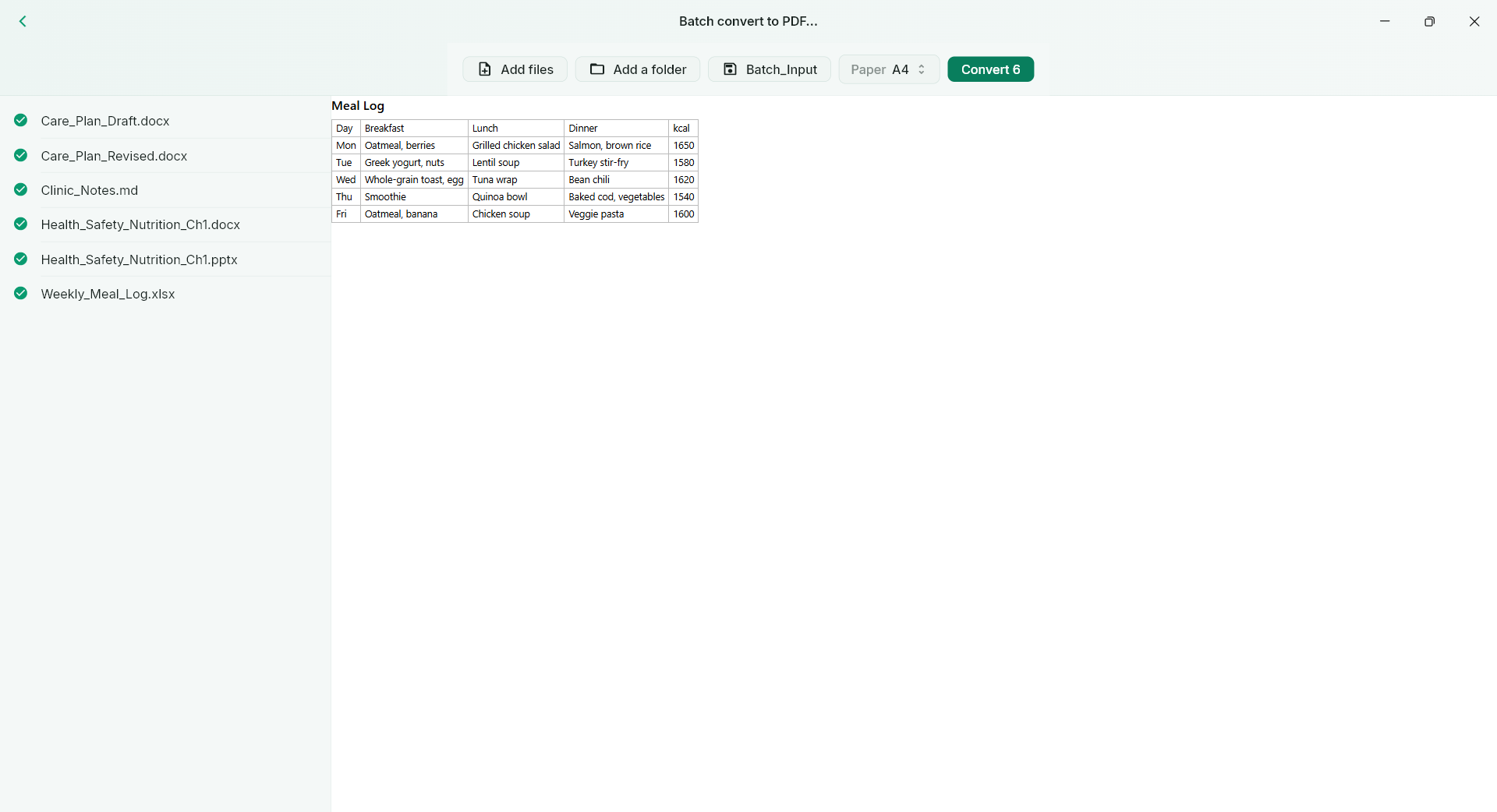
Add supported files or a folder and review the batch results. Pro provides the batch workflow.
NurViewer · Batch & comparison
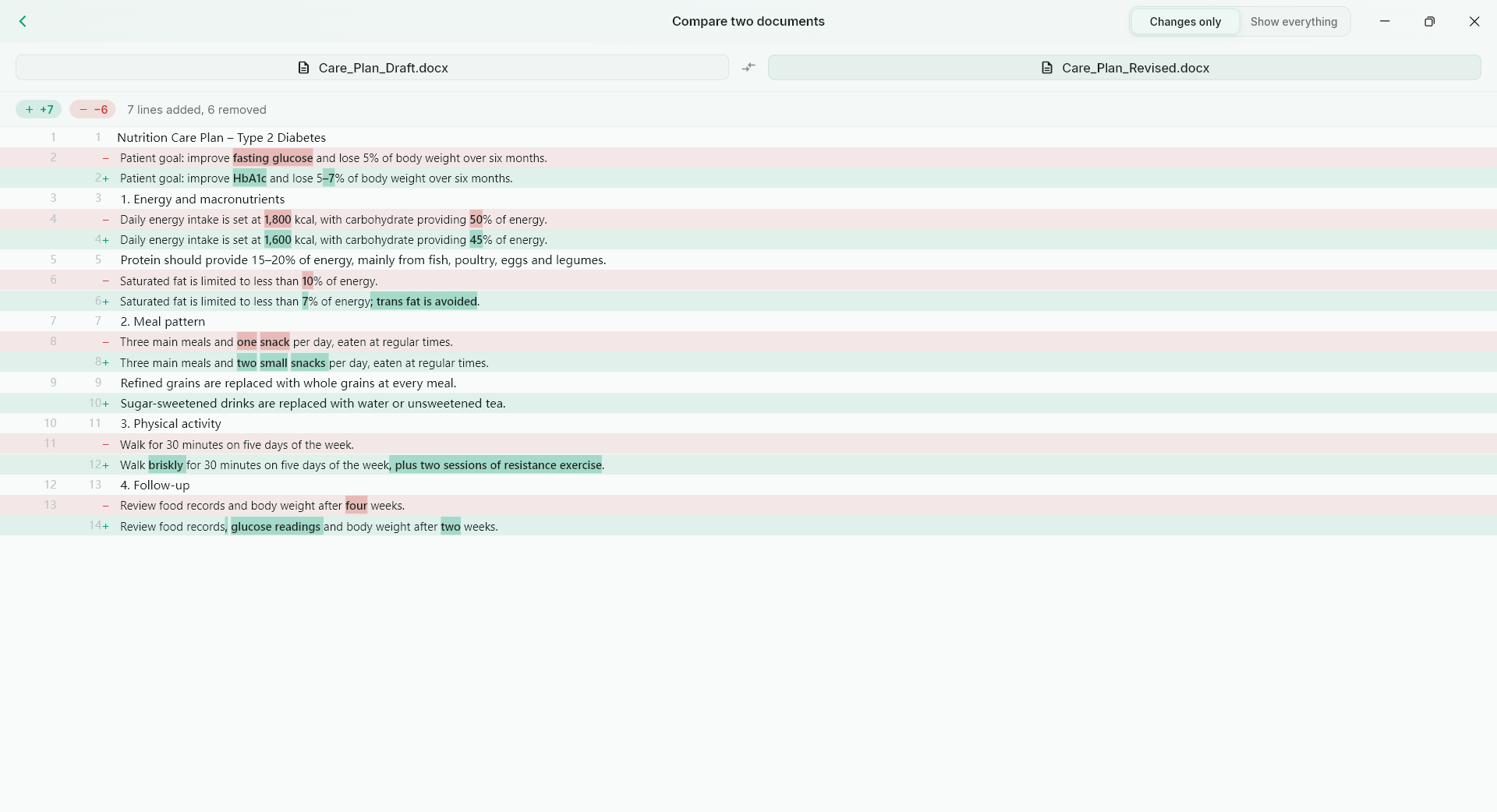
Queue supported files for PDF export, or compare supported document revisions to see what changed. Pro tools for work that comes in sets.
WHY IT HELPS
For project handoffs, mixed-format reference sets and revisions that deserve a careful look.
Add supported files or a folder and review the batch results. Pro provides the batch workflow.
Word-level differences in supported text documents help review additions, removals and changed wording.
Ordinary single-file document/image PDF export is unlimited in every tier; a multi-file batch queue remains a separate Pro capability.
THE WORKFLOW, UP CLOSE
Switch samples, then open the full image to inspect the details. Captures use demonstration material; some retain an earlier layout.
What to expect
Batch export has a supported conversion range; it does not convert every registered extension. Comparison requires extractable content and is not a guarantee of every visual or scanned-page difference.
NurViewer · Windows
Explore the Windows workflows, compare the current plans and check verified release availability.