Your reading library
Read EPUB, PDF and other supported book formats, with navigation, search and reader controls appropriate to each format.
NurViewer · Reading & study
Books, dictionary lookup, vocabulary and reading notes work together, so useful discoveries have somewhere to go.
WHY IT HELPS
For language learners, professional reading and anyone who wants to remember more than the page number.
Read EPUB, PDF and other supported book formats, with navigation, search and reader controls appropriate to each format.
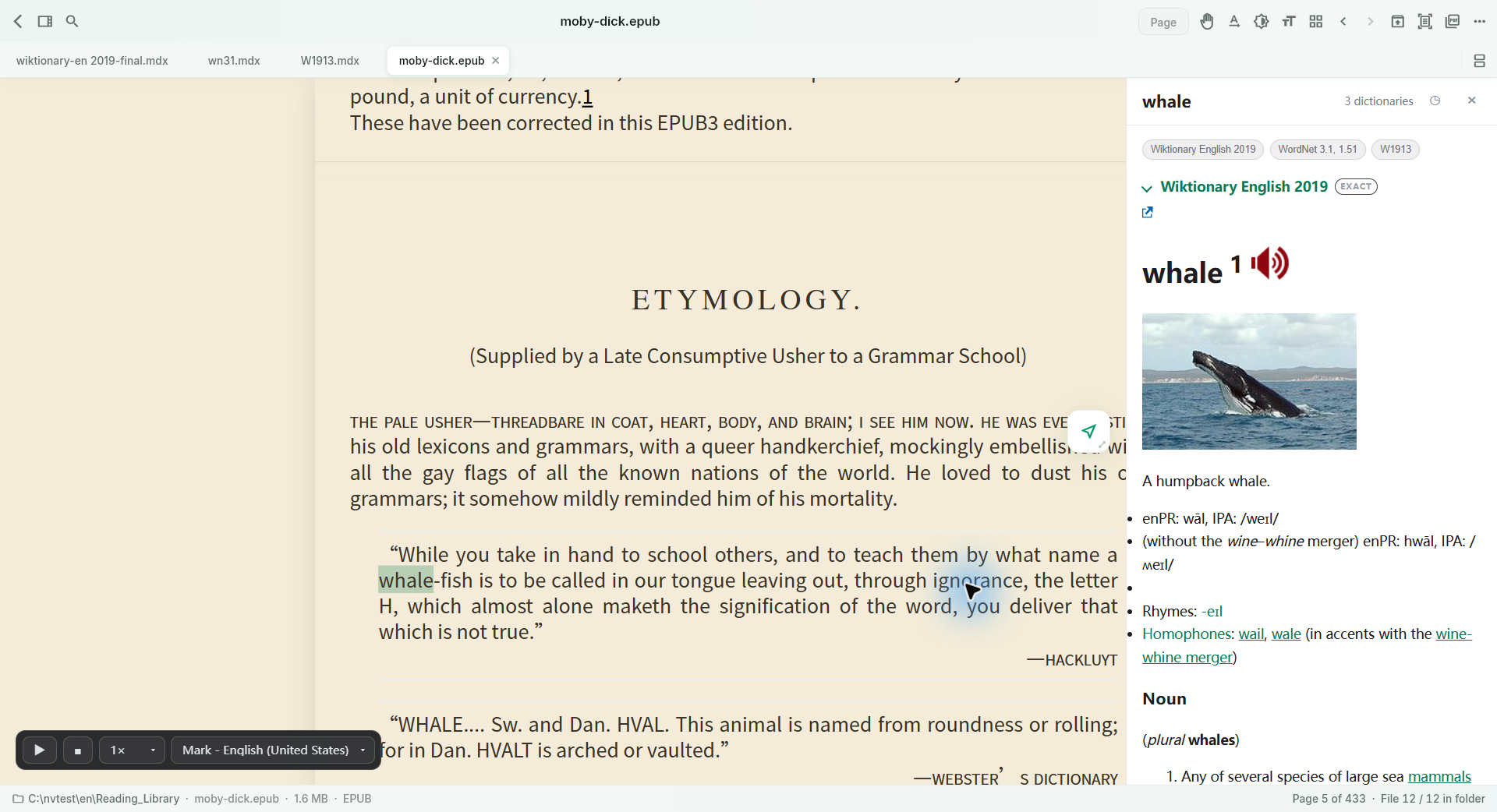
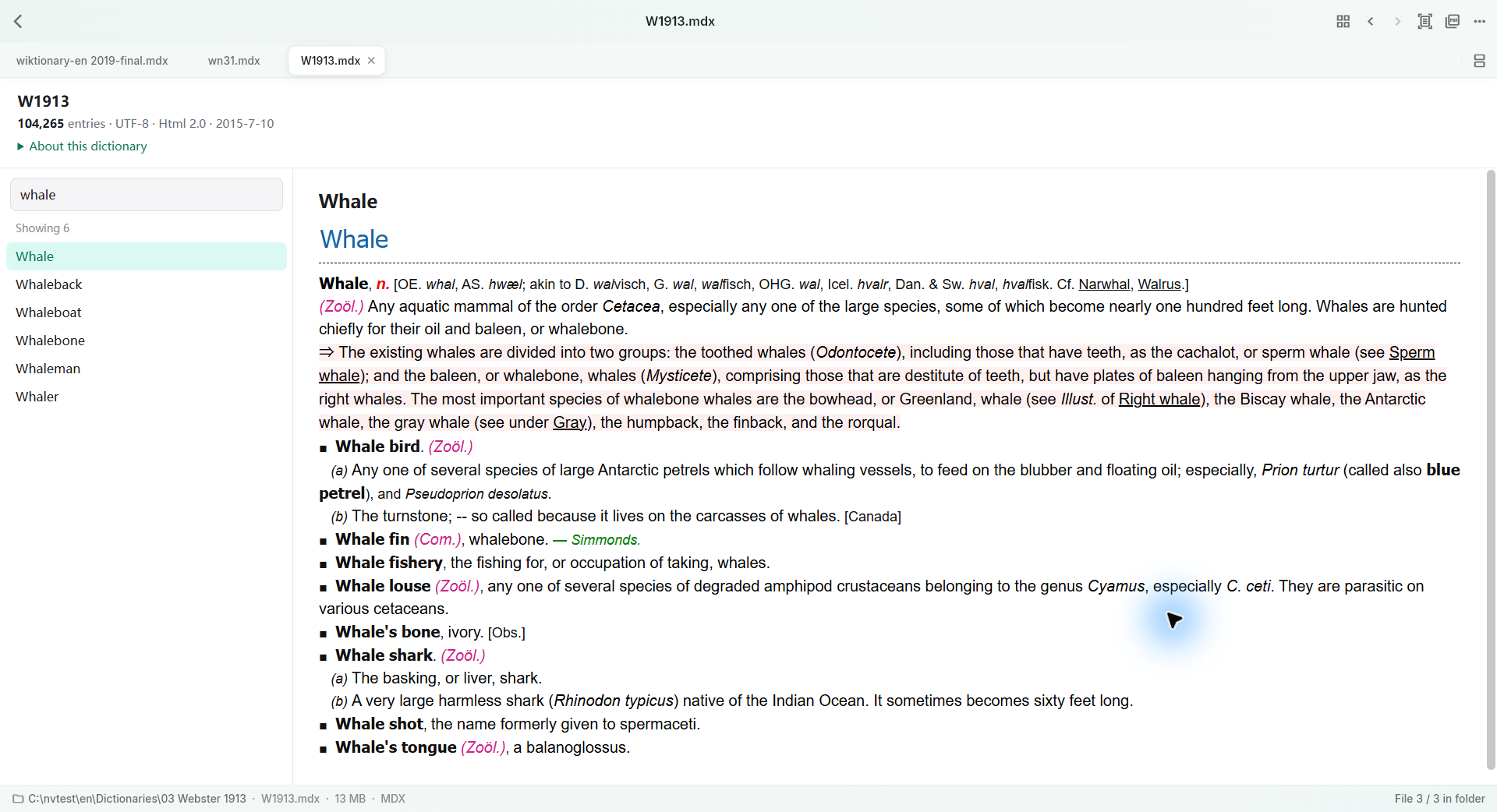
Look up selected text in configured local dictionaries. Resources can include pictures and pronunciation when supplied by that dictionary.
The current Windows edition uses a reusable independent lookup window with scrolling definitions and a fixed vocabulary button.
Collect definitions and the available source/context, then revisit them in your vocabulary list.
CSV / TSV vocabulary export is available in every tier. Basic Anki export starts with Standard; advanced media study export is Pro.
Use read-aloud where supported and export reading notes as Markdown, including useful visual material.
Keep a fixed-layout export snapshot, continue delivery across days, and save the accumulated pages. Book export has its own allowance.
THE WORKFLOW, UP CLOSE
Switch samples, then open the full image to inspect the details. Captures use demonstration material; some retain an earlier layout.
What to expect
Dictionary files and books are supplied by the user; commercial dictionaries are not bundled. Pronunciation and pictures depend on dictionary resources. Screenshots may show an earlier layout. Availability varies by format.
NurViewer · Windows
Explore the Windows workflows, compare the current plans and check verified release availability.