Find your place
Page navigation, thumbnails, zoom and document search help you move through long files.
NurViewer · PDF workspace
Reading, comments, forms and handwritten signatures belong in the same workflow. Keep the document open and keep moving.
WHY IT HELPS
For reports, course material, applications and the PDF that needs a little attention before you send it back.
Page navigation, thumbnails, zoom and document search help you move through long files.
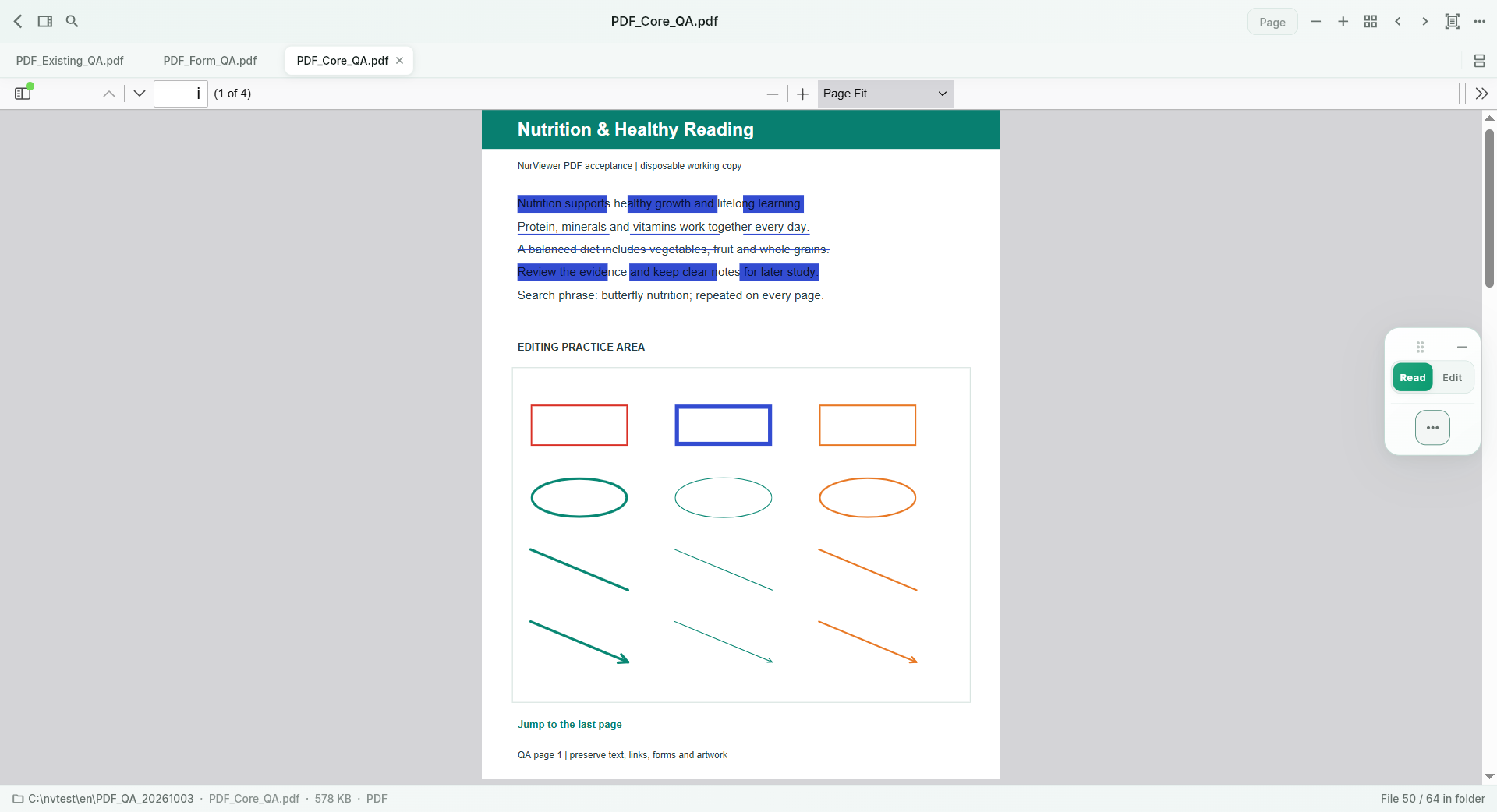
Highlights, underlines, strikeouts, sticky notes and drawing tools support review. Edit, move or remove supported objects.
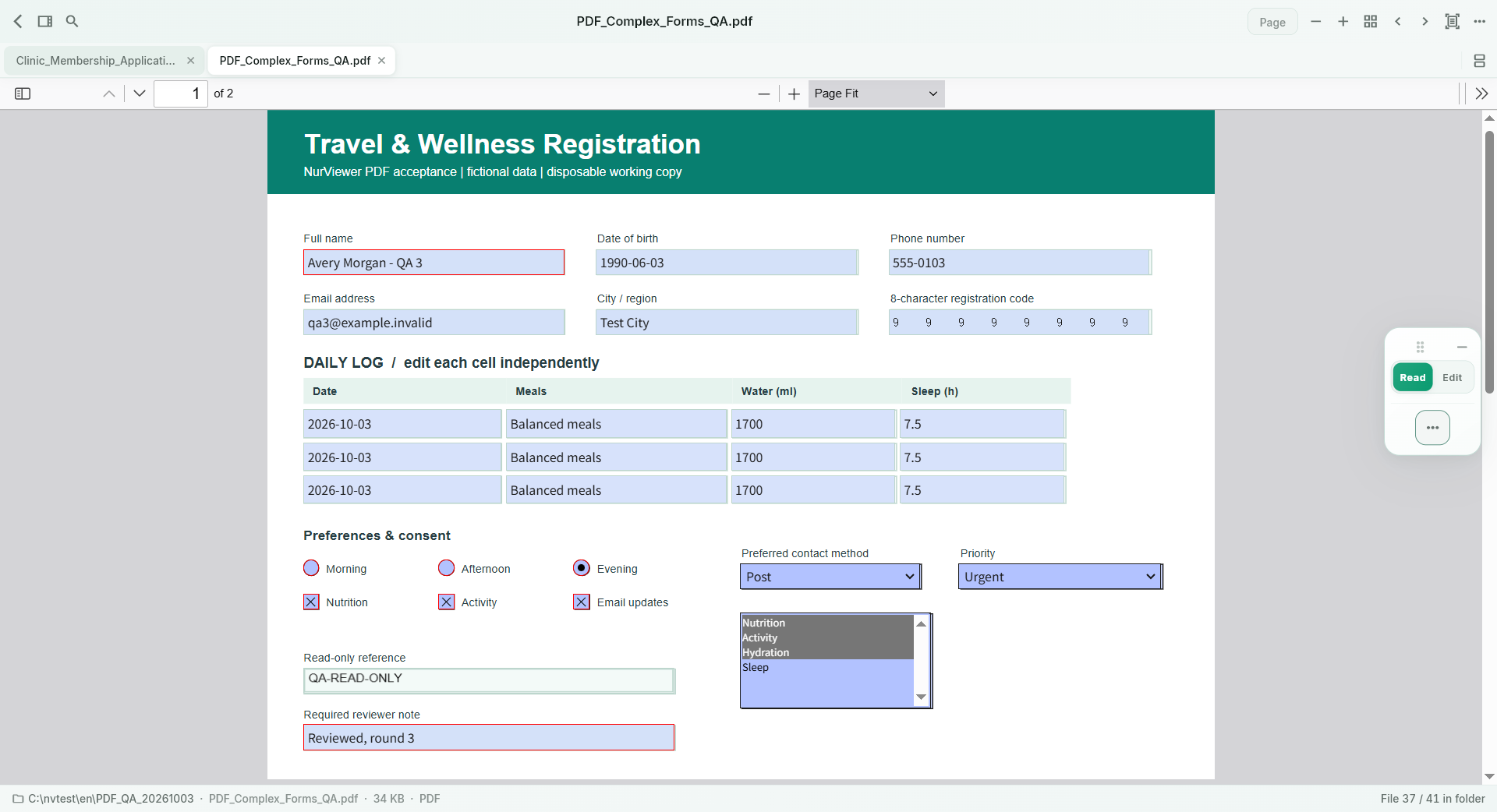
Use native interactive fields, checkboxes and choices; add text to supported static forms with adjustable size.
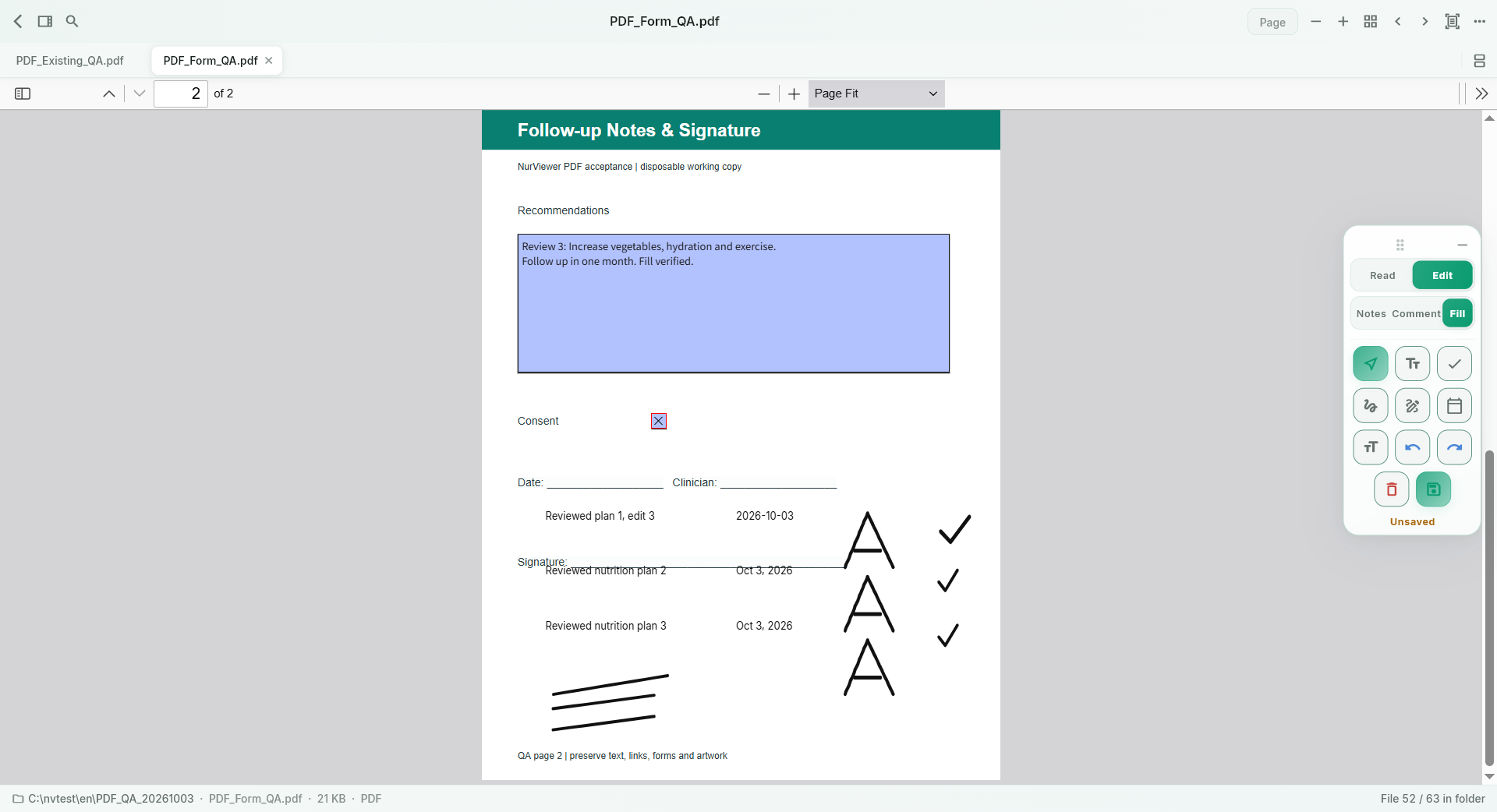
Add text, ticks, dates and a reusable local handwritten signature, then save a new PDF.
PDF and EPUB reading notes can retain selected text and useful visual material, with Markdown export.
Pro document comparison helps review changes between supported documents.
THE WORKFLOW, UP CLOSE
Switch samples, then open the full image to inspect the details. Captures use demonstration material; some retain an earlier layout.
What to expect
Handwritten signatures are visual signatures, not certificate-based digital signatures. The 50-note Free limit concerns content-bearing reading notes; ordinary PDF annotations and form filling are not counted as those notes.
NurViewer · Windows
Explore the Windows workflows, compare the current plans and check verified release availability.