Editable flow
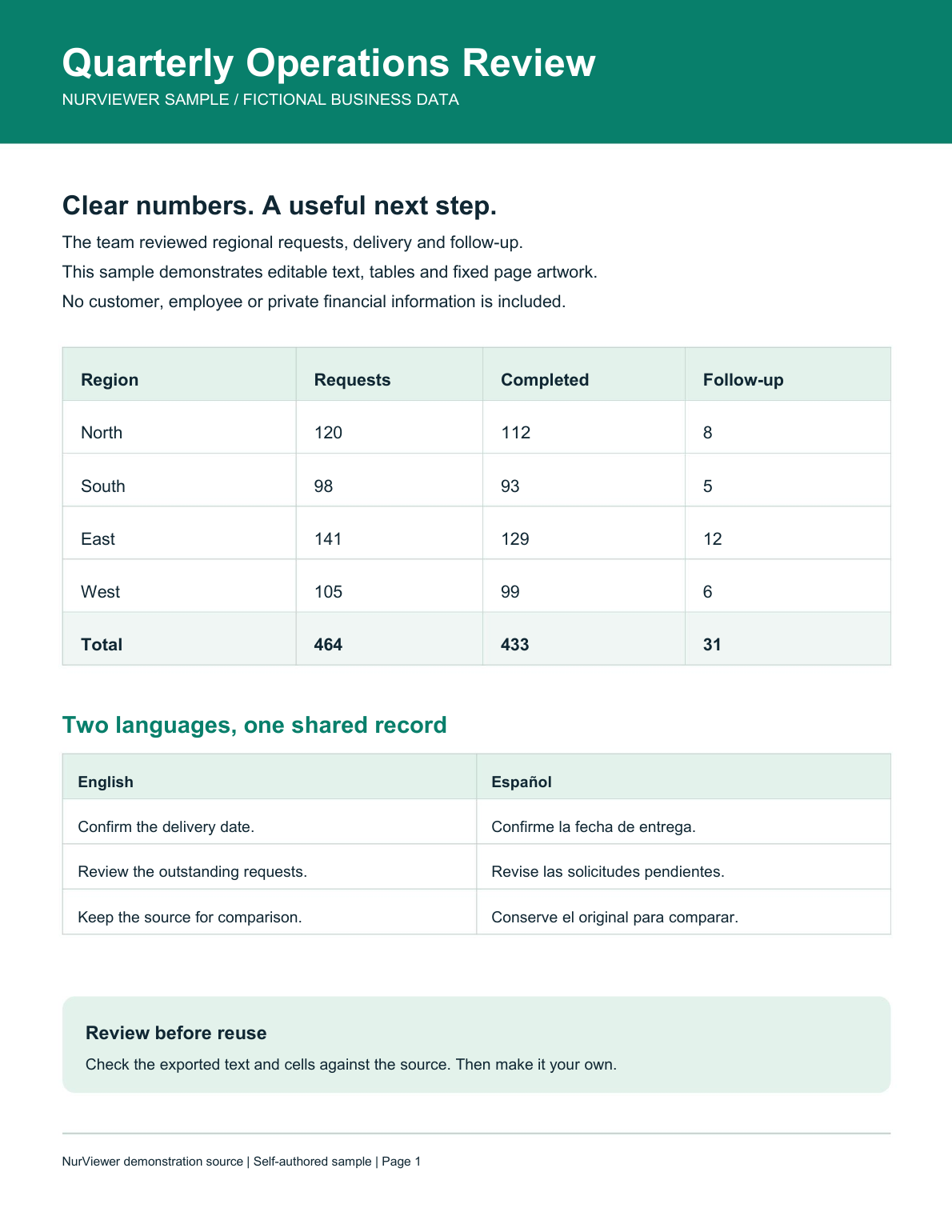
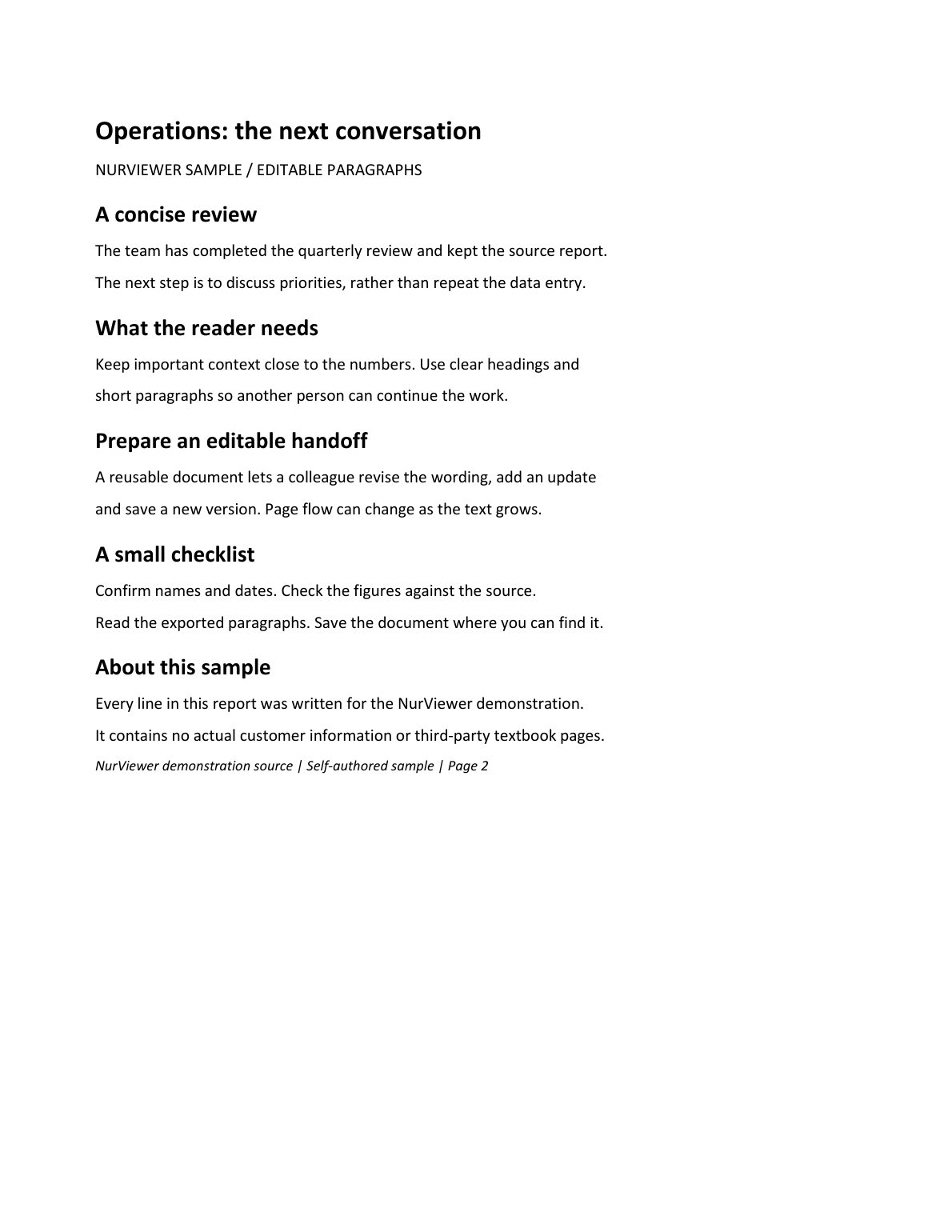
Rebuild supported paragraphs, headings, tables and pictures into an editable DOCX. Reflow and pagination can change.
NurViewer · PDF to Word
Choose editable flow for rewriting, or precise page layout when the original appearance matters. Two different jobs, two deliberate modes.
WHY IT HELPS
Reuse a report, revise learning material or update an existing page without starting from an empty document.
Rebuild supported paragraphs, headings, tables and pictures into an editable DOCX. Reflow and pagination can change.
Keep page artwork as a background and place supported native text in editable frames at its original position.
Editable flow can use OCR for scans. Precise mode retains scanned or unsupported lettering as page pictures.
Select a page range from a large document, check the result and save the part you need.
Delivered Word and PowerPoint parts are retained. Continue later and save a cumulative file in source-page order.
Supported PDF-to-PowerPoint export shares the editable-conversion allowance with both Word modes.
THE WORKFLOW, UP CLOSE
Switch samples, then open the full image to inspect the details. Captures use demonstration material; some retain an earlier layout.
What to expect
OCR, font substitution, complex illustrations and fixed text-frame space can affect the result. Review exported documents. Free has no precise mode; Standard has a two-page watermarked daily trial; Pro uses the shared conversion pool.
NurViewer · Windows
Explore the Windows workflows, compare the current plans and check verified release availability.