Photo workspace
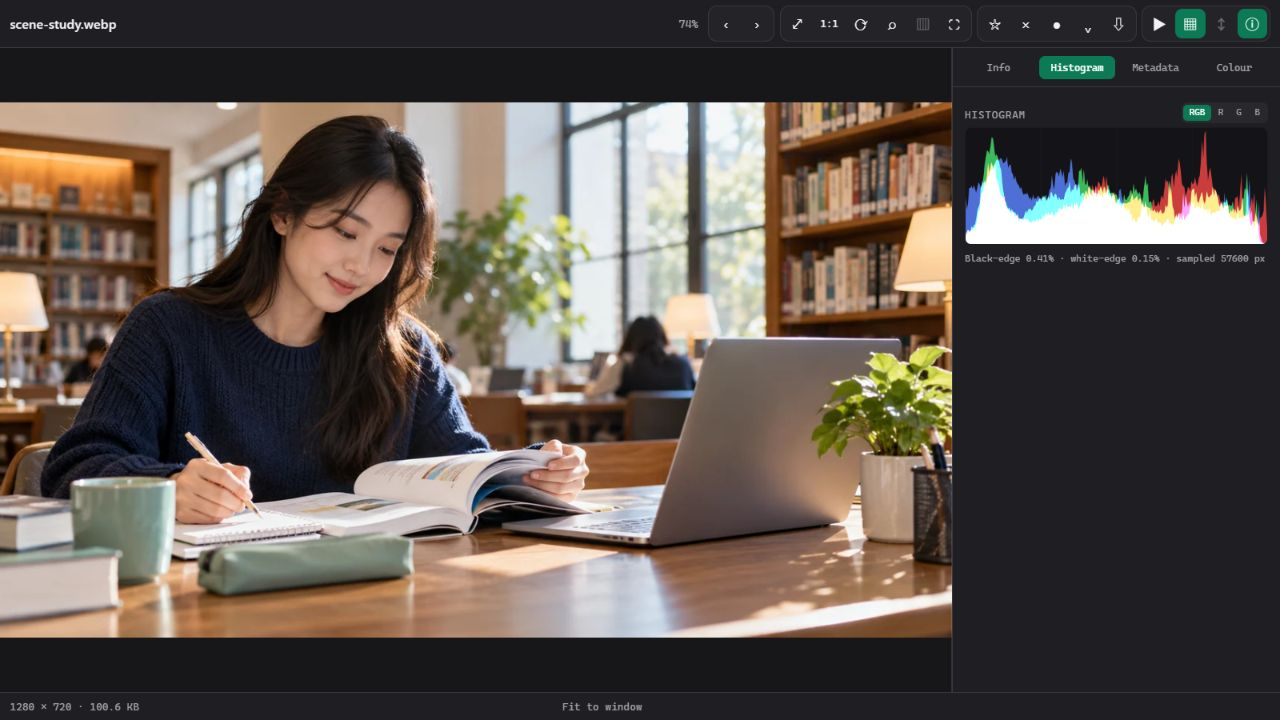
Filmstrip navigation, zoom, loupe, slideshow, metadata and supported comparison modes help you examine images.
NurViewer · Images & specialist tools
Inspect ordinary pictures, RAW and supported specialist files. Use the tools suited to the file, rather than treating every format as the same picture.
WHY IT HELPS
For photo selection, unfamiliar project files and a quick inspection before choosing a dedicated editor.
Filmstrip navigation, zoom, loupe, slideshow, metadata and supported comparison modes help you examine images.
Standard and Pro include stars, reject marks and colour labels to narrow a photo set.
Supported camera RAW, TIFF, PSD / PSB and HEIF variants expose their available previews and metadata.
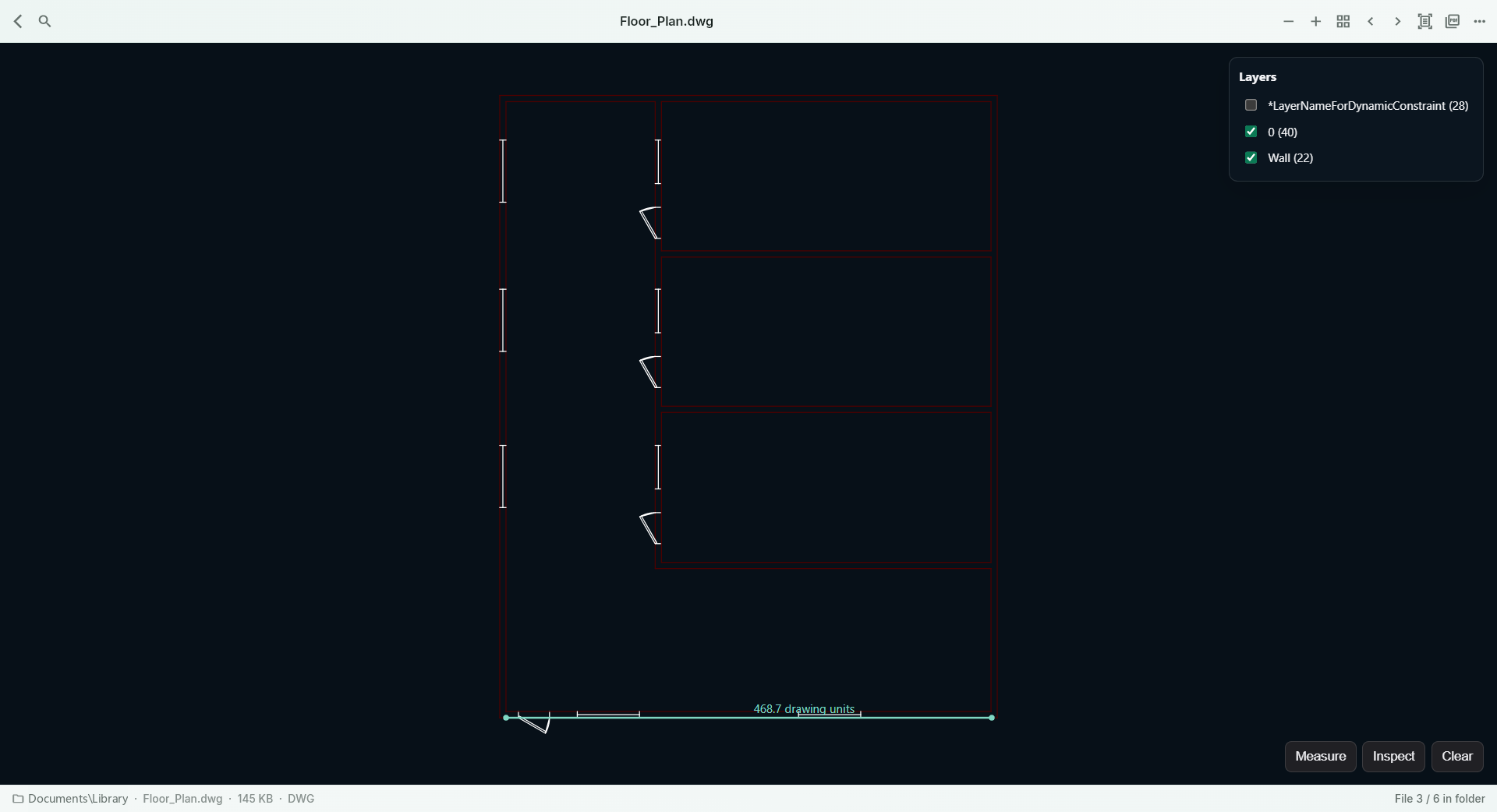
Use available medical-image viewing, supported drawing layers/measurement and model inspection. Capabilities differ by format.
Inspect supported map, scientific, tabular-data, font and technical file families.
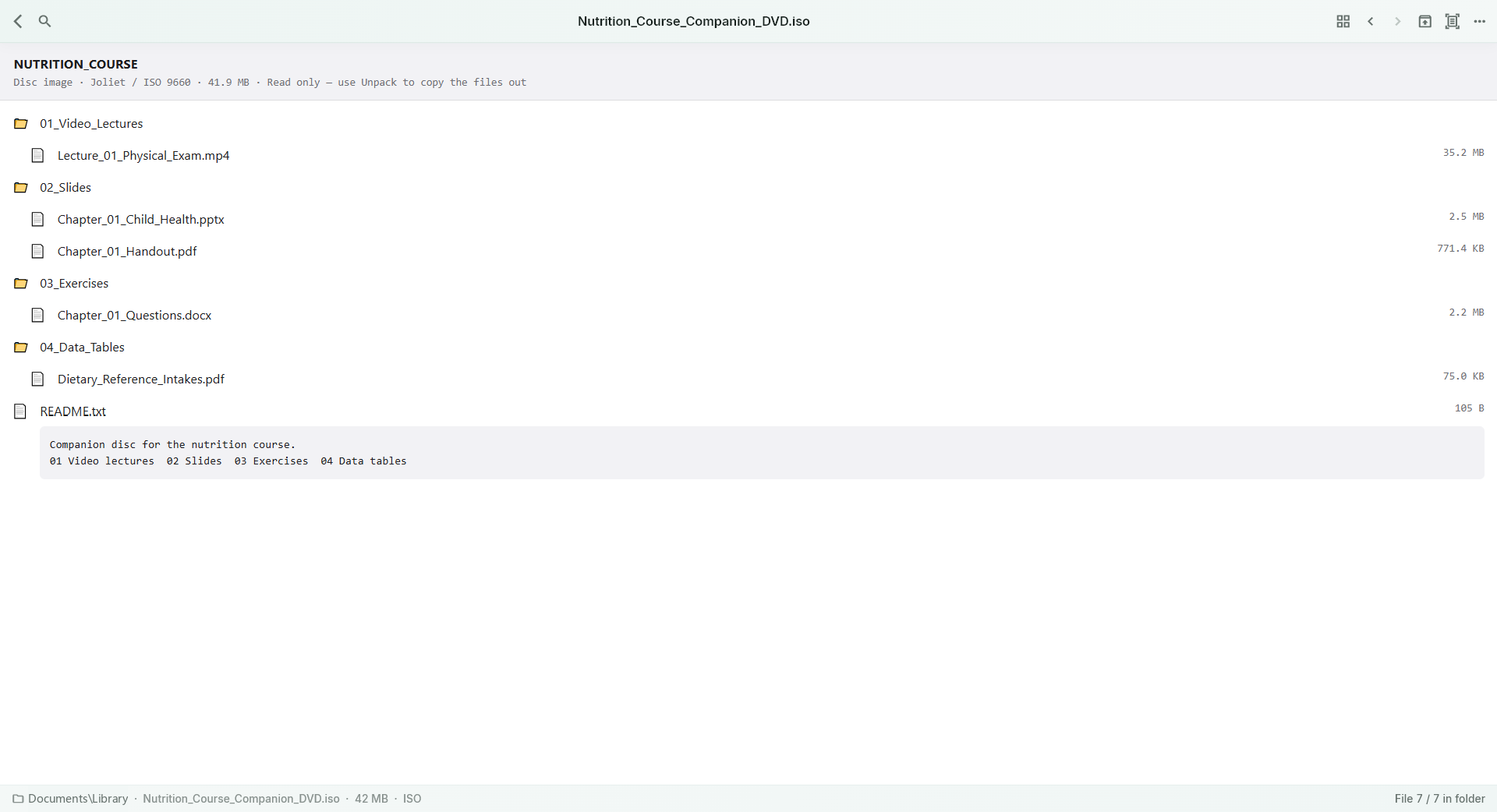
Browse supported archives and disk images, preview supported entries and extract selected content.
THE WORKFLOW, UP CLOSE
Switch samples, then open the full image to inspect the details. Captures use demonstration material; some retain an earlier layout.
What to expect
These are viewing and inspection workflows. They do not replace a full CAD/3D editor or a clinical diagnostic system. Complex DWG objects, references and format variants can be incomplete; inspect the format guide before buying for a specific professional format.
NurViewer · Windows
Explore the Windows workflows, compare the current plans and check verified release availability.